Follow these three steps from blueprint upload to payment and exports.
Step 1
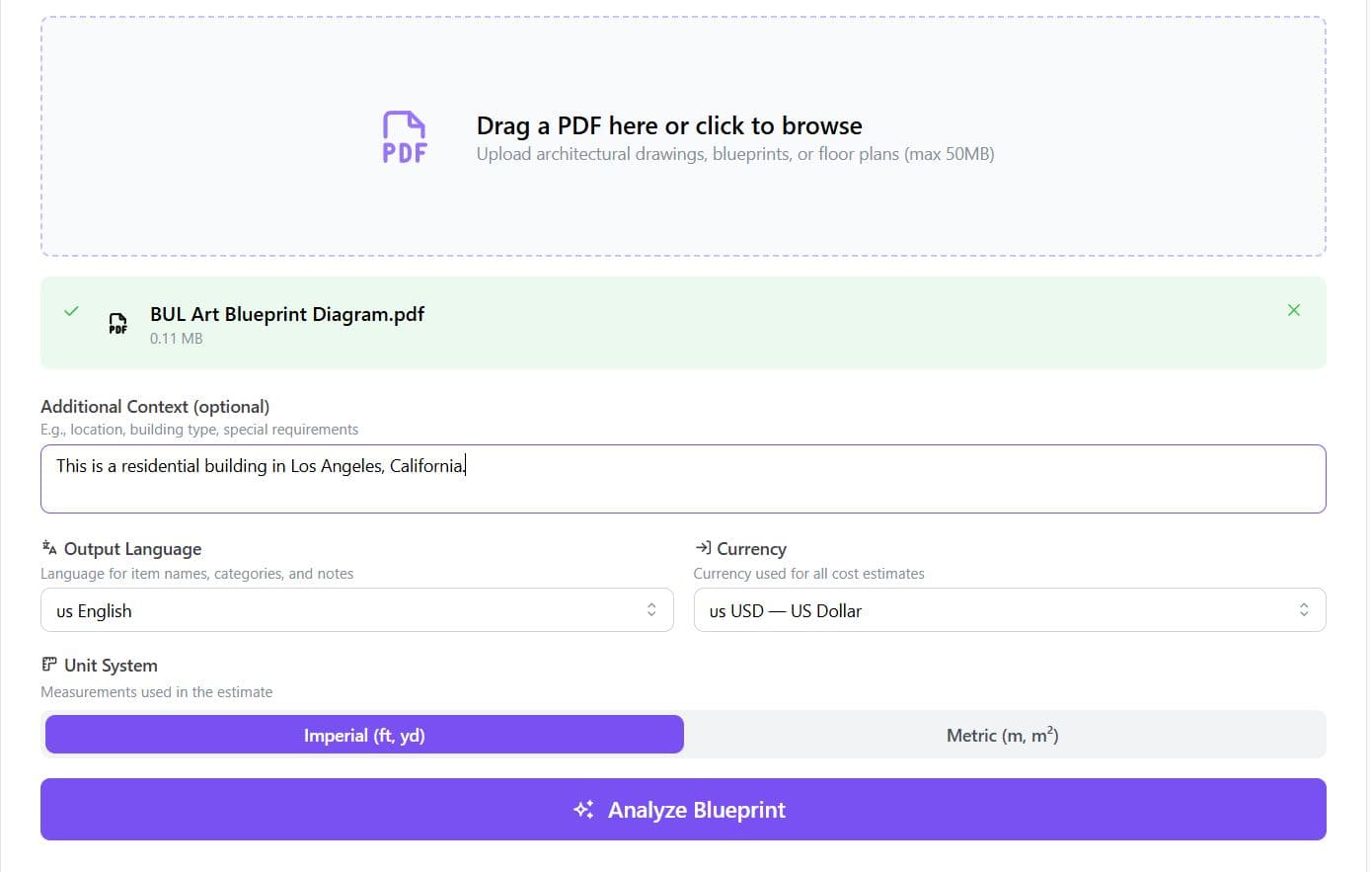
Upload your blueprint and set preferences
On the home page, open the Analyze your blueprint section. Upload your PDF drawing, then choose:
Output language — labels and notes match your team's language.
Currency — all costs are shown in the currency you pick.
Unit system — imperial (ft, yd) or metric (m, m²).
Add optional context (location, building type), then click Analyze Blueprint and wait for the preview.
Step 2
Pay with LemonSqueezy and apply a promo code
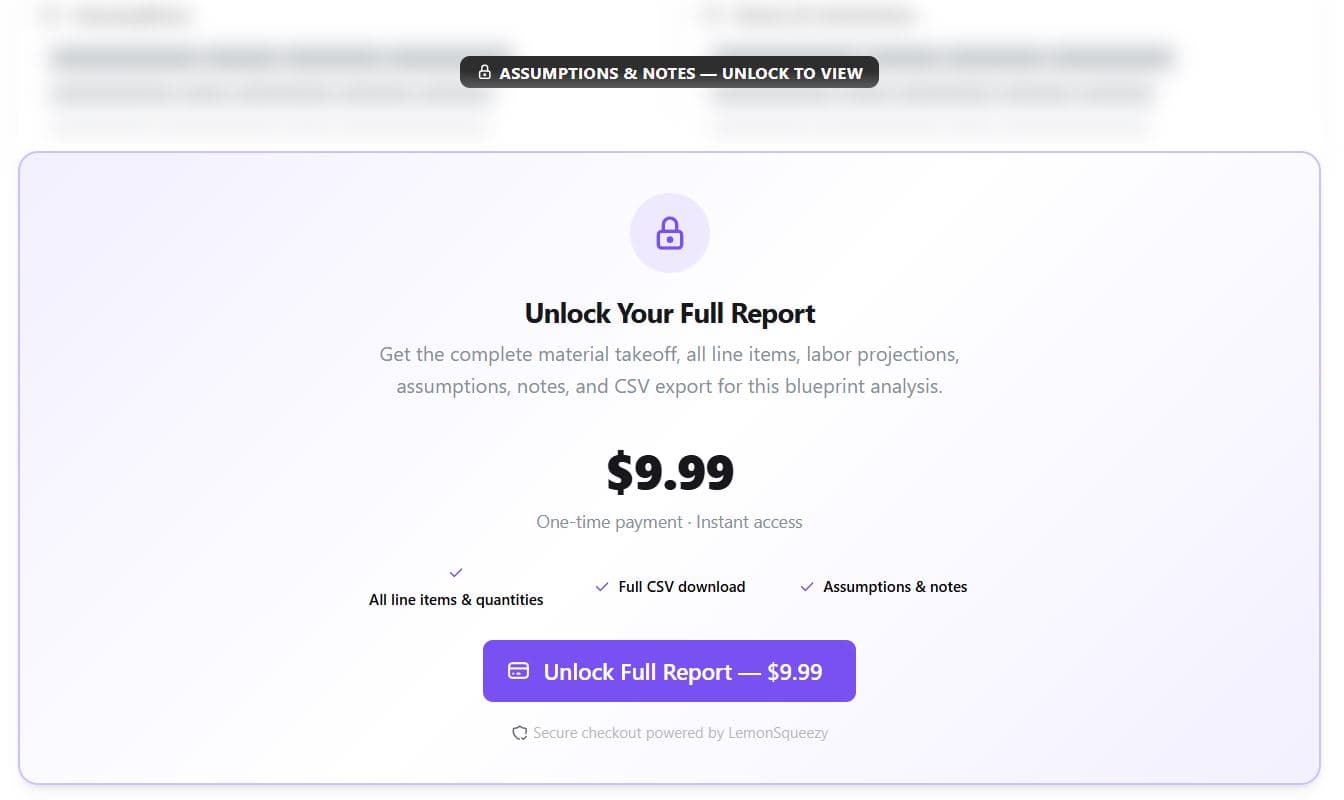
After analysis, you'll see a preview of your estimate. To unlock the full report, use Unlock Full Report. You'll be taken to a secure LemonSqueezy checkout page.
Promo codes
If you have a discount code, enter it on the LemonSqueezy checkout page (usually in a promo or coupon field) before completing payment.
Step 3
Return to results and download your files
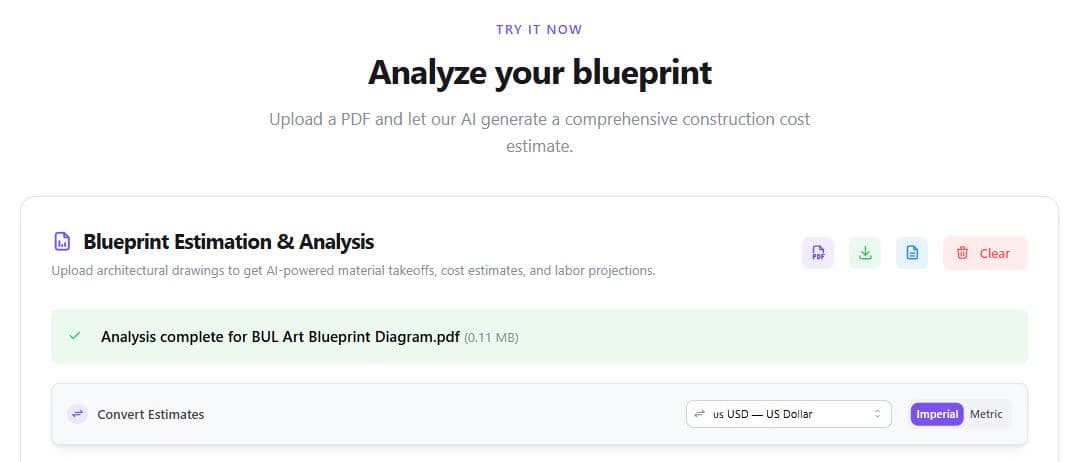
When payment succeeds, you'll come back to this site. Scroll down to the Upload / Analyze your blueprint area — your full estimation appears there with every line item unlocked.
Use the toolbar or buttons below the results to download:
PDF — full report
CSV — spreadsheet export
Bid proposal — Word template (.docx)
Ready to start?
Open the analyzer, upload a PDF, and run your first estimate.